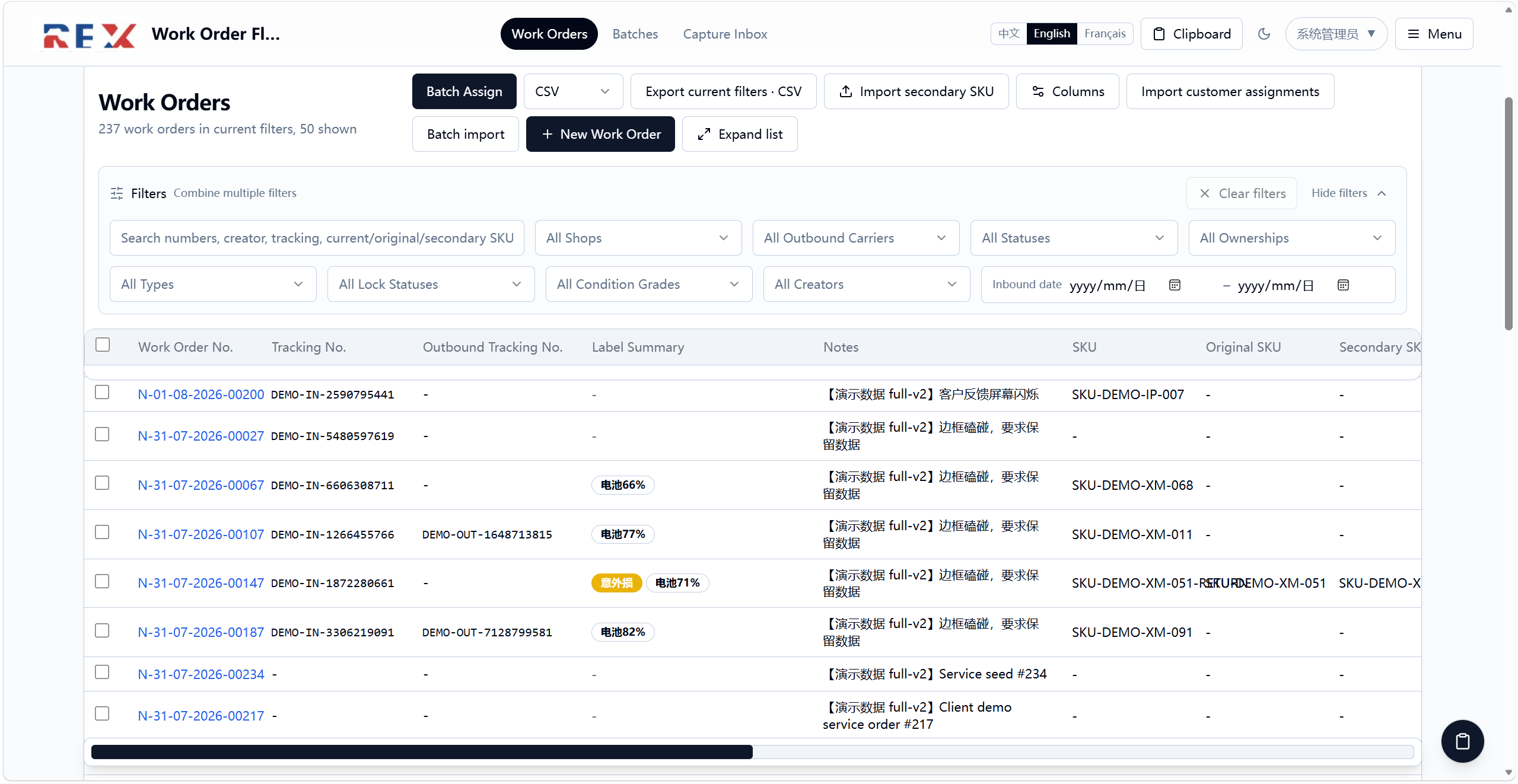
Work order registration
Records work order, order, tracking, IMEI, serial number, SKU and shop information.
Repair and after-sales work order system
Tracks intake, inspection, inventory, assignment, shipping and fee status for each device. Designed for day-to-day repair and after-sales operations.
In production
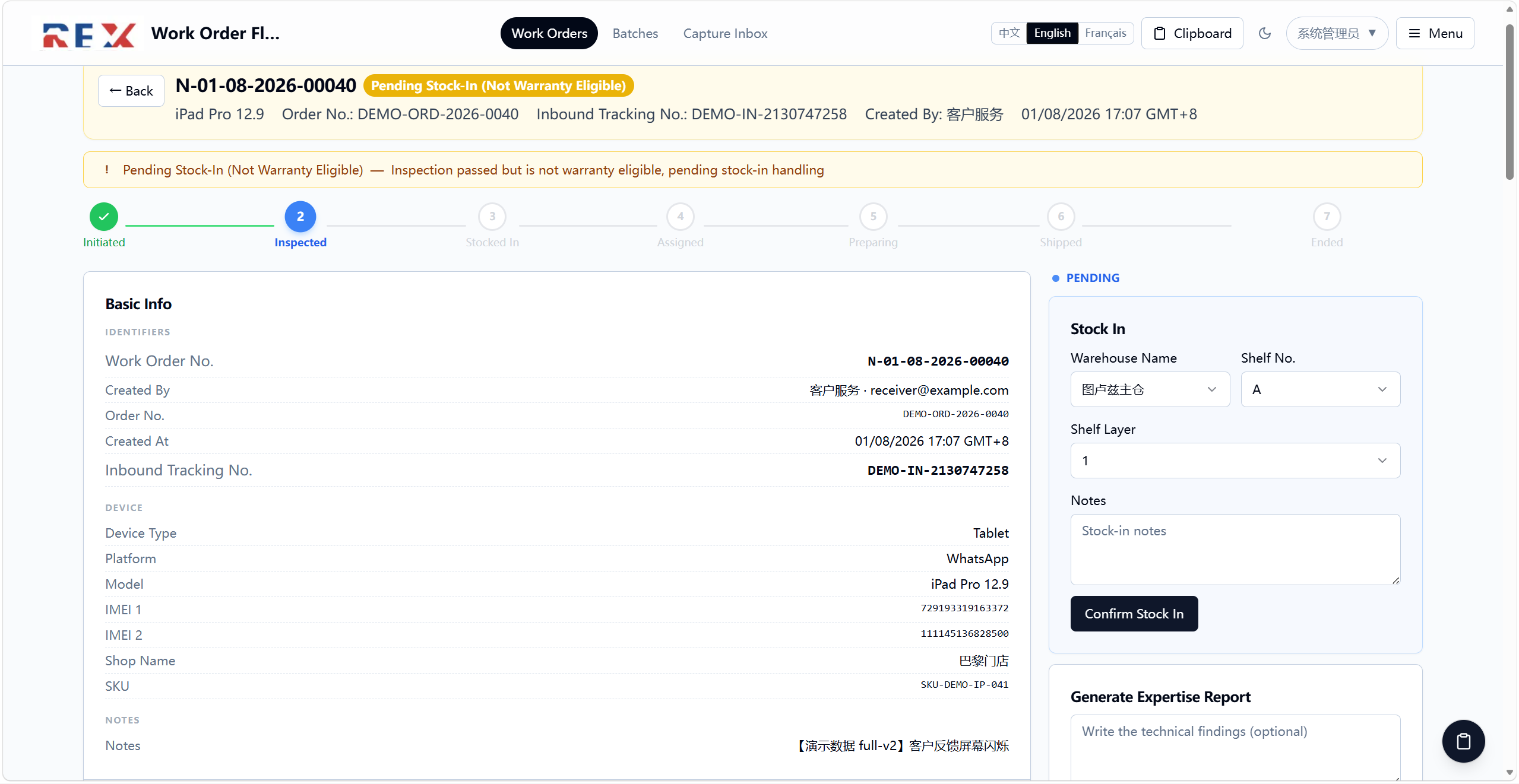
Records work order, order, tracking, IMEI, serial number, SKU and shop information.
Moves through intake, inspection, inventory, assignment, shipping and completion, with owner and time recorded at each step.
Inspection media stays linked to its work order. Warehouse and shipping teams can process batches without losing individual records.
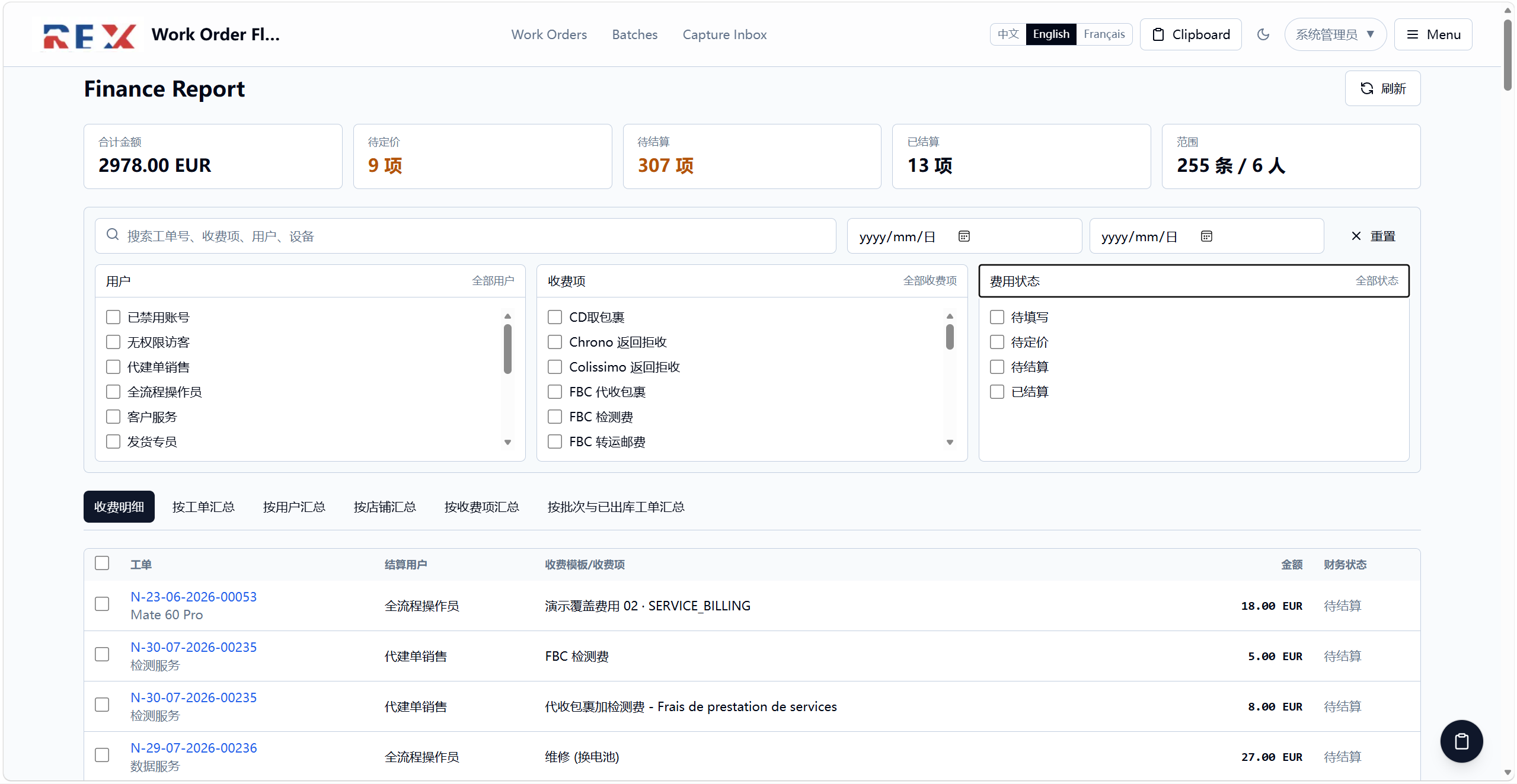
Supports controlled return, cancellation and reversal actions, plus fee approval, pricing and settlement status.
Record customer, device and order details.
Enter findings and attach inspection media.
Confirm storage and assign the next owner.
Record shipping and confirm fee and completion status.